Rotating a Skill Check Gauge in Unreal Engine (C++ Tick)
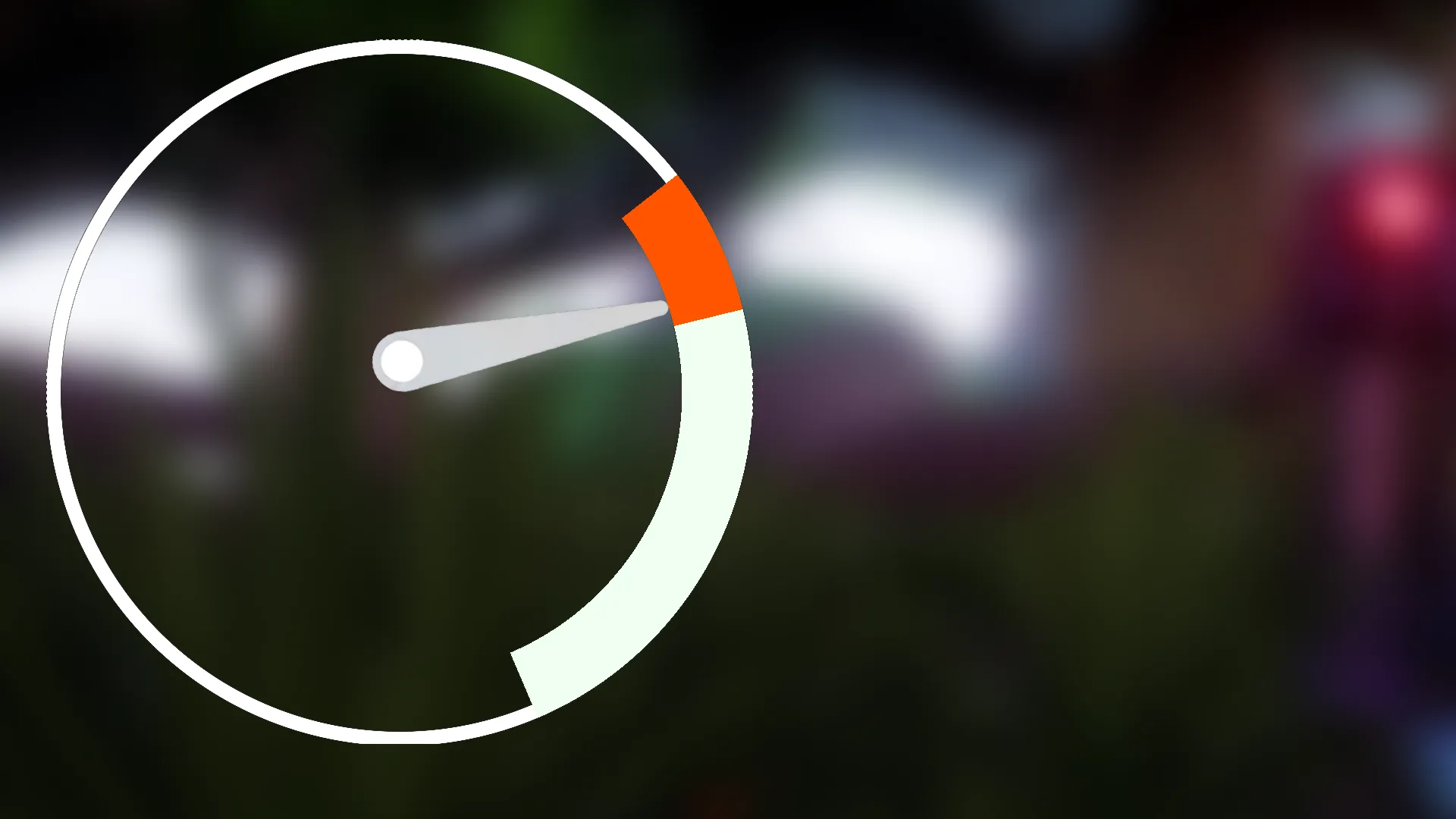
How the skill check needle rotates: a C++ component advances one normalized angle per tick from a rotations-per-second speed, wraps it to 0-1, tracks travel distance for a timeout, and the widget turns that angle into a render-transform rotation.
This is step two of the Radial Skill Check in Unreal Engine guide. The architecture step established that the whole mechanic rides on one normalized angle. This step is where that angle moves.
Ticking the angle forward
The component enables its tick only while a gauge is active (it starts with tick disabled
and flips it on when a check appears). On each tick it advances CurrentGaugeAngle by the
gauge speed, which is measured in rotations per second:
// Rotations per second * seconds this frame = fraction of a turn to advance
const float DeltaAngle = CurrentSpeed * DeltaTime;

if (bIsCurrentGaugeClockwise)
{
    CurrentGaugeAngle += DeltaAngle;   // clockwise increases the angle
}
else
{
    CurrentGaugeAngle -= DeltaAngle;   // counter-clockwise decreases it
}
GaugeTravelDistance += DeltaAngle;     // always positive, for rotation counting
Multiplying by DeltaTime makes the sweep frame-rate independent: at GaugeSpeed = 0.8
the needle covers 80% of the dial every second whether the game runs at 30 or 144 fps.
Wrapping to stay in 0-1
The angle has to stay on the 0-1 line so it can be compared to the zones and handed to the material cleanly. After each step it wraps:
if (CurrentGaugeAngle >= 1.0f)      CurrentGaugeAngle -= 1.0f;
else if (CurrentGaugeAngle < 0.0f)  CurrentGaugeAngle += 1.0f;
That single wrap is enough because a single tick never moves more than a fraction of a turn. Clockwise rolls 0.98 -> 0.02; counter-clockwise rolls 0.02 -> 0.98.
Counting rotations for the timeout
The display angle wraps, so it can never tell you how far the gauge has actually traveled.
That is why a second value, GaugeTravelDistance, accumulates DeltaAngle every tick and
never wraps. It is the odometer to the angle’s clock. When it crosses the allowed
number of laps, the check is a miss:
// -1 means infinite; otherwise a full rotation budget
if (NextGaugeSettings.MaxFullRotations >= 0 &&
    GaugeTravelDistance >= (float)NextGaugeSettings.MaxFullRotations)
{
    OnGaugeFullRotation();   // counts as a miss, see the scoring step
    return;
}
With MaxFullRotations = 1 the player gets one lap to react. Set it to -1 and the gauge
never auto-fails, so the only way to lose is a wrong stop. With more than one lap allowed
you can also speed the gauge up after each rotation: the effective speed becomes
GaugeSpeed * (SpeedUpMultiplier ^ completedRotations), computed from the floored travel
distance, for an escalating feel.
From angle to a spinning needle
The component does not rotate anything itself; it just calls the widget’s SetCheckAngle
each tick. The C++ widget base converts that normalized value to degrees and applies it as
a render transform on the needle image:
void UUI_RadialCheckWidget::UpdateGaugeRotation()
{
    const float RotationDegrees = CheckAngle * 360.0f;
    Image_Gauge->SetRenderTransformAngle(RotationDegrees);
}
The rotation happens around a configurable pivot, defaulting to (0.5, 0.9):
horizontally centered, near the bottom of the image. That makes the needle swing from a
hub at the dial’s center instead of spinning about its own middle. Point the needle art
straight up by default and the C++ handles every angle from there.
Next, randomizing the zones: where the needle is trying to stop, and how that target moves every check.
Frequently asked questions
- How is the gauge speed defined?
- GaugeSpeed is in rotations per second (default 0.8). Each tick the angle changes by GaugeSpeed times DeltaTime, so a speed of 1.0 completes a full dial every second regardless of frame rate.
- How does the gauge time out without input?
- The component tracks GaugeTravelDistance, which always increases regardless of direction. When it reaches MaxFullRotations, OnGaugeFullRotation fires a miss. Set MaxFullRotations to -1 to allow infinite rotations and never time out.
- How does the needle actually rotate on screen?
- The widget converts the normalized angle to degrees (angle times 360) and calls SetRenderTransformAngle on Image_Gauge, around a pivot near the bottom of the image (default 0.5, 0.9) so the needle swings from a hub rather than spinning about its center.