// UNREAL ENGINE PLUGIN
Multiplayer Fog of War for Unreal Engine
Replicated, performant fog of war for multiplayer maps.
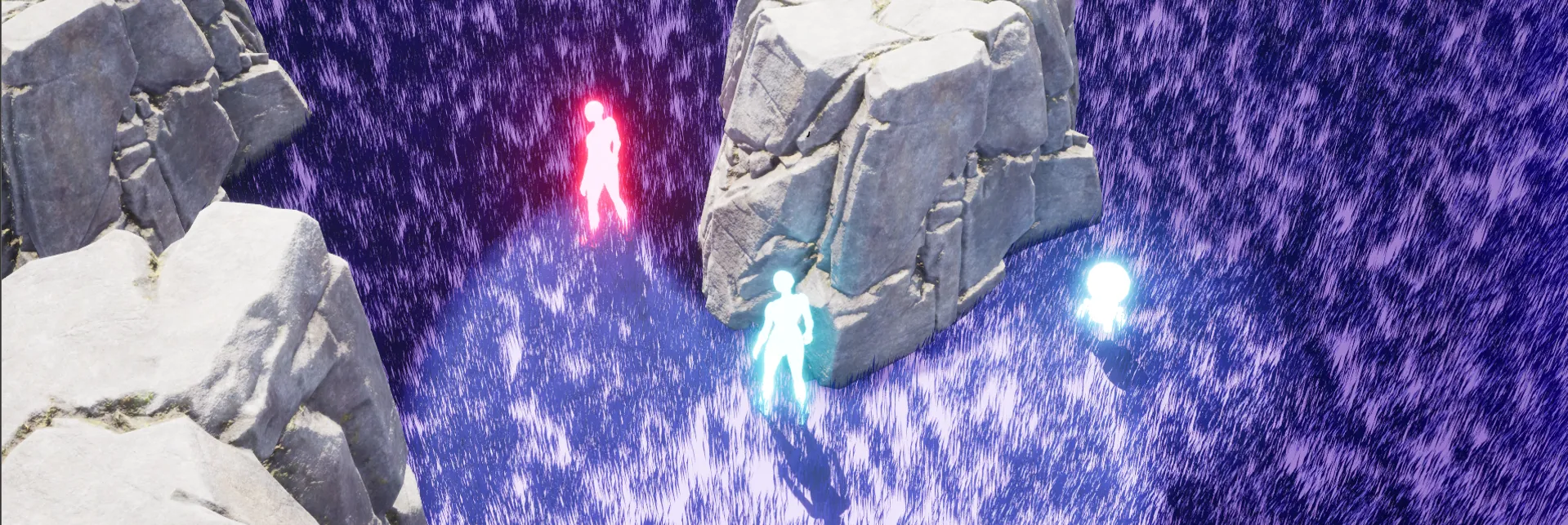
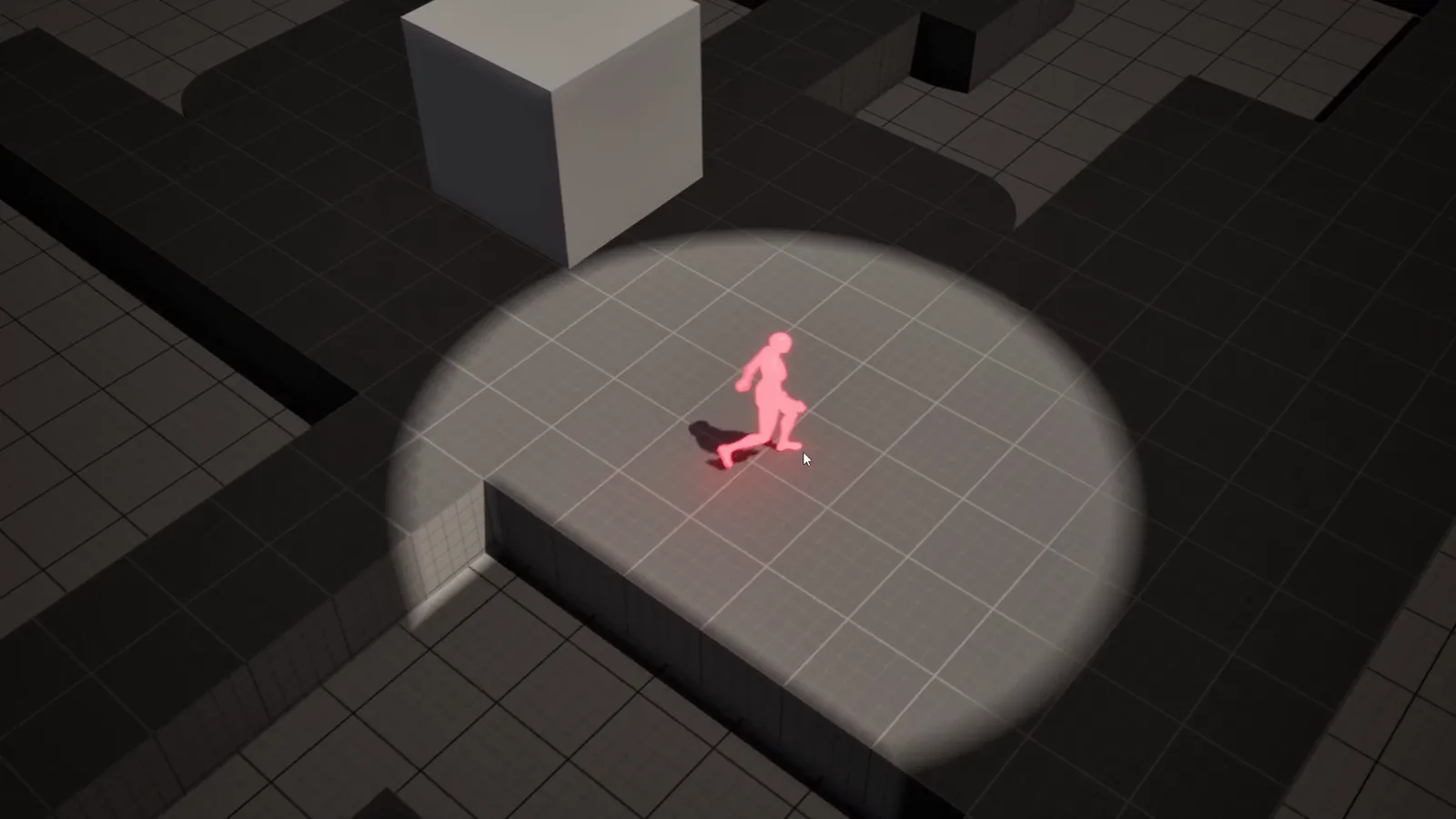
Multiplayer Fog of War adds top-down fog of war to your Unreal Engine game. A post-process material lays a dynamic darkness overlay across the map and carves out lit areas around the local player and any vision beacons, while enemy actors hidden inside the fog are concealed by server-authoritative line-of-sight checks. There is no GPU compute and no per-pixel visibility buffer: it is built for multiplayer, but works just as well in a single-player top-down game.
What it does
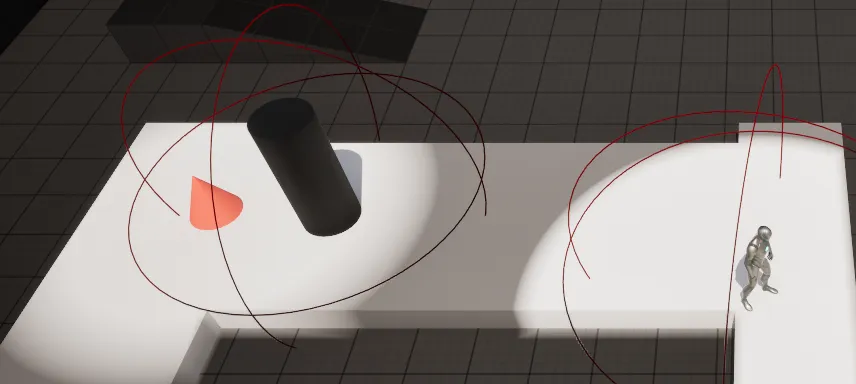
- Dynamic darkness overlay that carves out a lit circle following the player.
- Vision beacons grant extra sight from allies, watchtowers, or wards.
- Server-authoritative line-of-sight hides enemies until a viewer can see them.
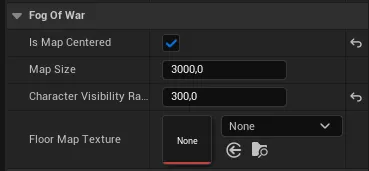
- Map Baker bakes a floor map so light never spills off walkable ground.
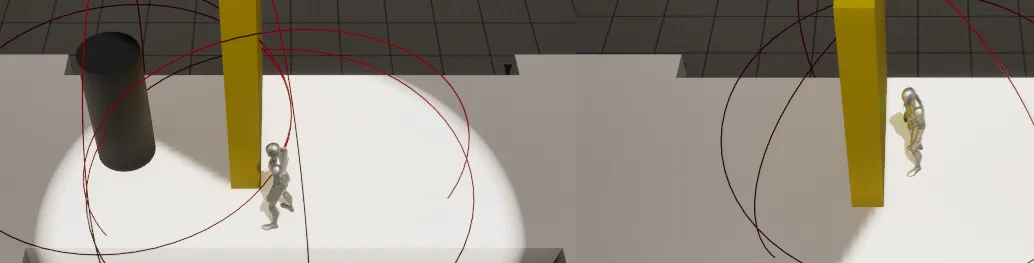
- Vision occluders let walls and cover cast vision-blocking shadows.
- Reference-counted reveals so multiple viewers never cause flicker.
See it in action

Screenshots
Frequently asked questions
- Is it multiplayer-ready?
- Yes. Enemy concealment uses server-authoritative line-of-sight checks and reveals are reference-counted so multiple viewers never flicker. It is built for multiplayer but works just as well in a single-player top-down game.
- Does it need GPU compute?
- No. There is no GPU compute and no per-pixel visibility buffer. A post-process material lays a darkness overlay across the map and carves out lit areas around the player and any vision beacons.
- Does it actually hide enemies or only darken the map?
- It hides them. Enemy actors inside the fog are concealed by server-authoritative line-of-sight, so a client cannot see hidden enemies even with a modified client.
- Can walls and cover block vision?
- Yes. Vision occluders let walls and cover cast sight-blocking shadows, and a Map Baker bakes the floor map so light never spills off walkable ground.
Tutorials & guides
-
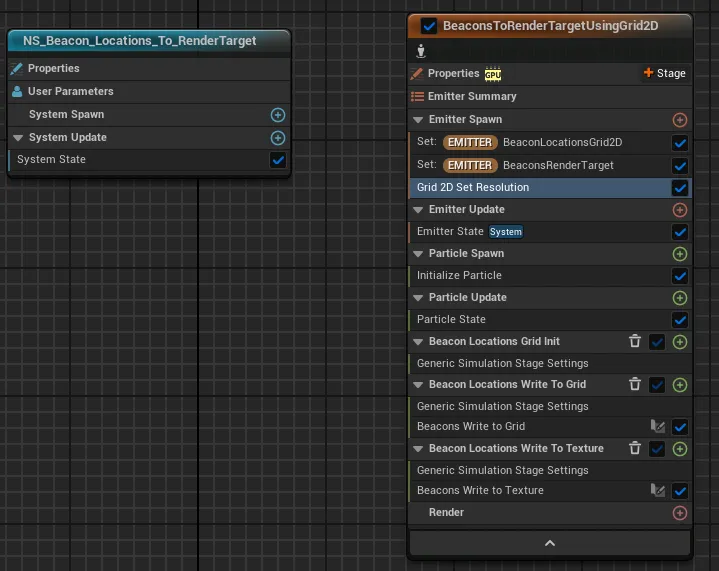
Fog of War Beacons with Niagara Grid2D in Unreal Engine
Inside the beacon Niagara system for Unreal Engine fog of war: a Grid2D-to-render-target setup whose GPU simulation stages clear the grid, stamp every beacon's spotlight into cells, and copy it to the render target the fog material samples, with no particle renderer.
-
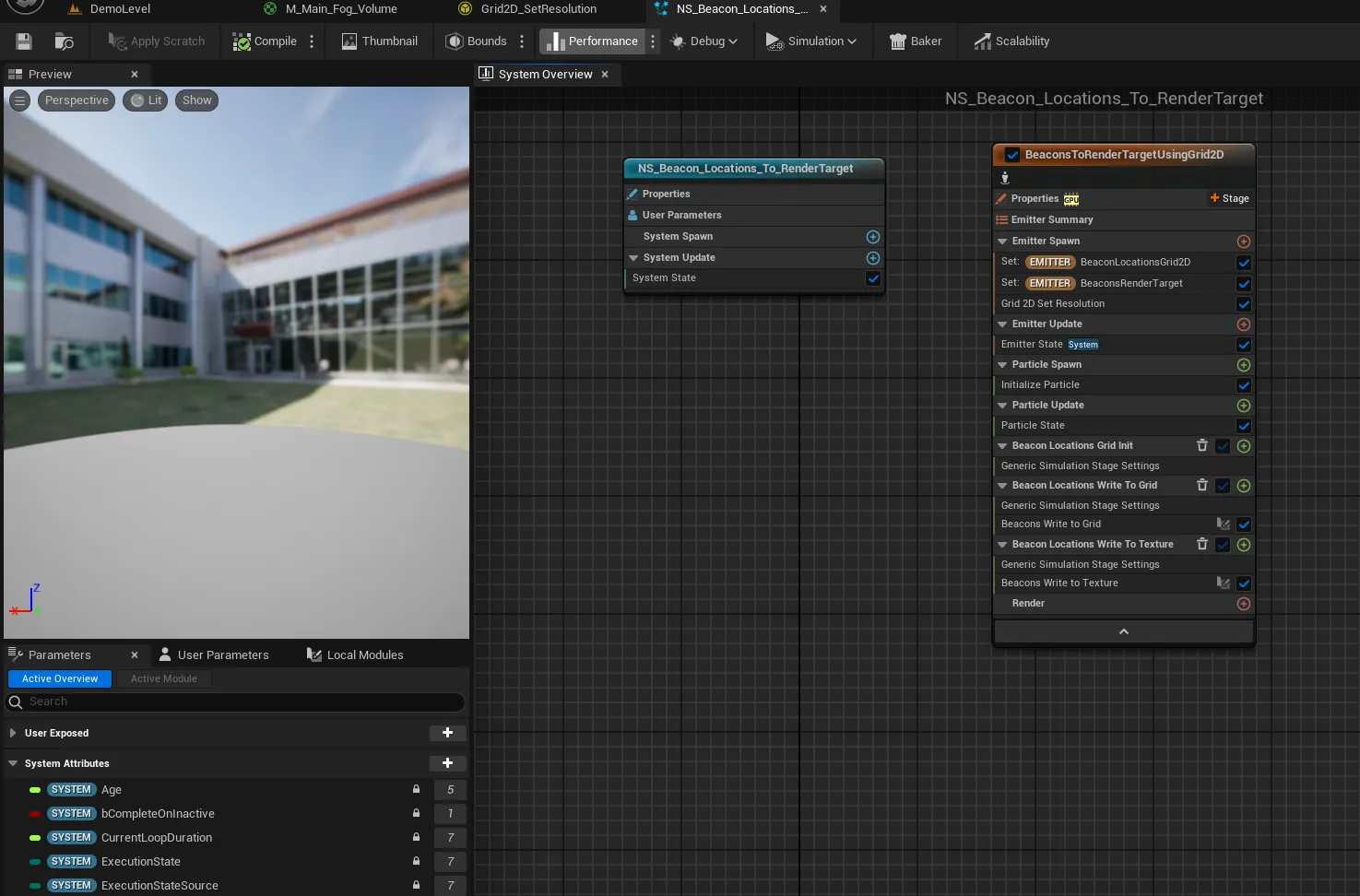
Writing Fog of War Beacons to the Material in Unreal Engine
Add stationary vision sources to top-down fog of war in Unreal Engine. The Fog Manager packs each beacon's location, radius, and FOV into FVector4 arrays and hands them to a Niagara system, and the material unions the beacon mask with the player's reveal.
-
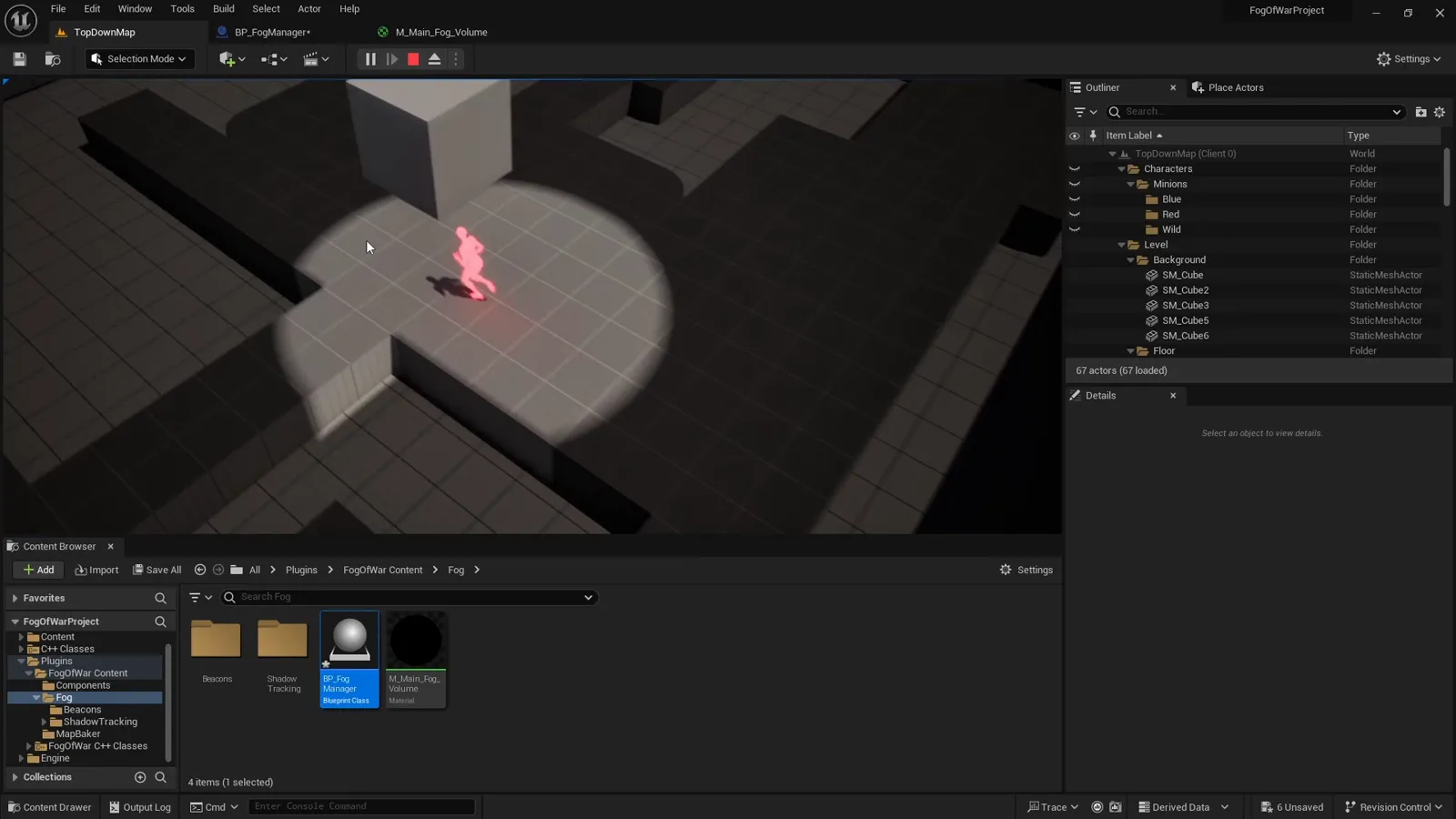
Writing Player Location to Fog of War in Unreal Engine: Floor Mask and Spotlight
How the player's position drives top-down fog of war in Unreal Engine: the Fog Manager writes CharacterUVLocation each tick, and the material turns it into a SphereMask spotlight intersected with a baked floor mask so light lands only on visible, walkable ground.
-
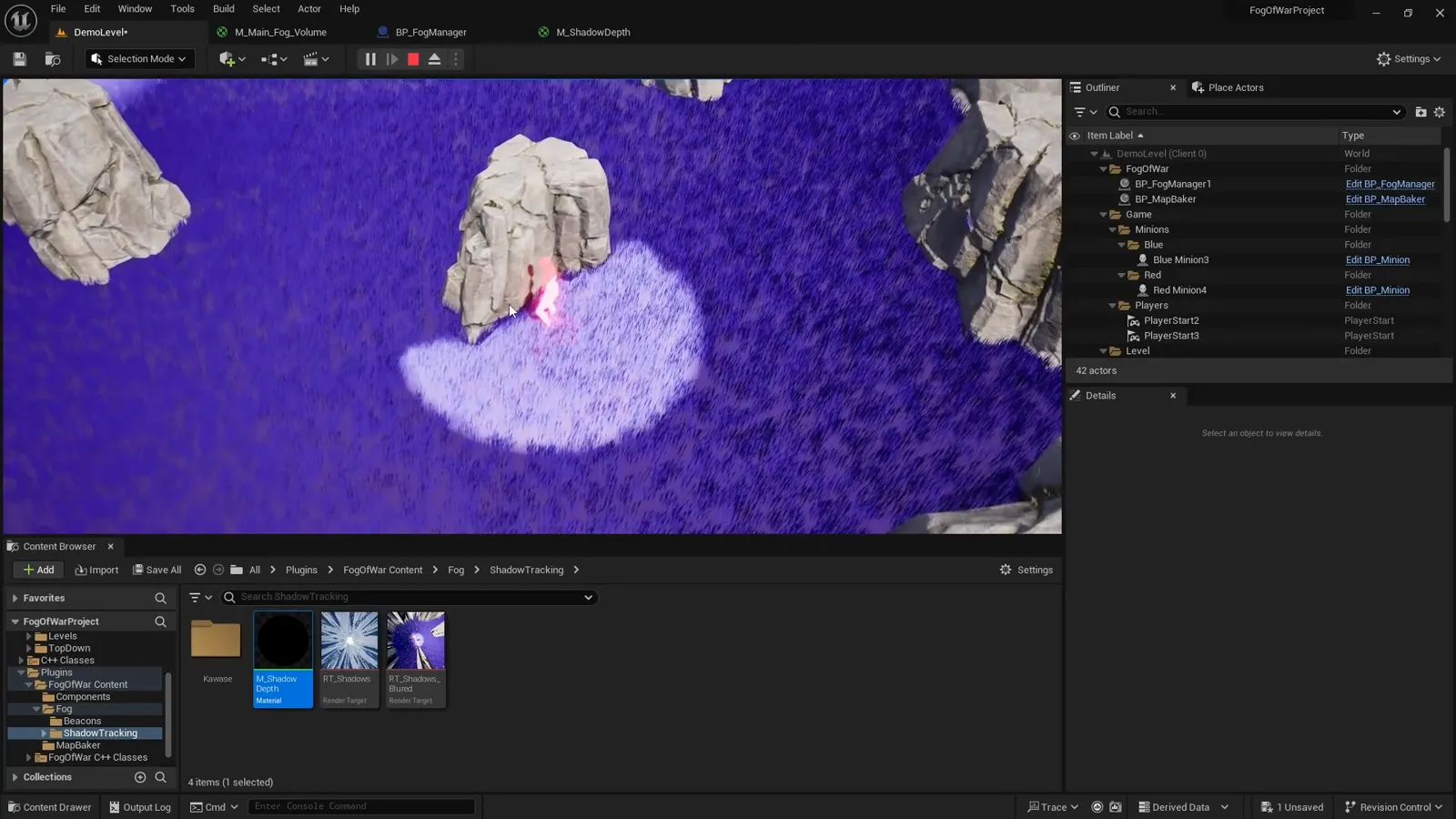
Fog of War Master Material in Unreal Engine: Mask, Occluders, and Cliff Shadows
How M_Main_Fog_Volume controls light and shadow in Unreal Engine fog of war: the dark-to-lit lerp, the combined mask, custom-stencil vision occluders that stay unlit, and a scene-capture cliff-shadow mask subtracted from the reveal.
-
Fog of War in Unreal Engine: The Fog Manager and Post-Process Setup
How the Fog Manager holds top-down fog of war together: an unbound post-process volume, a dynamic instance of the M_Main_Fog_Volume material driven from C++, and the fixed parameter contract it fills every tick.
-
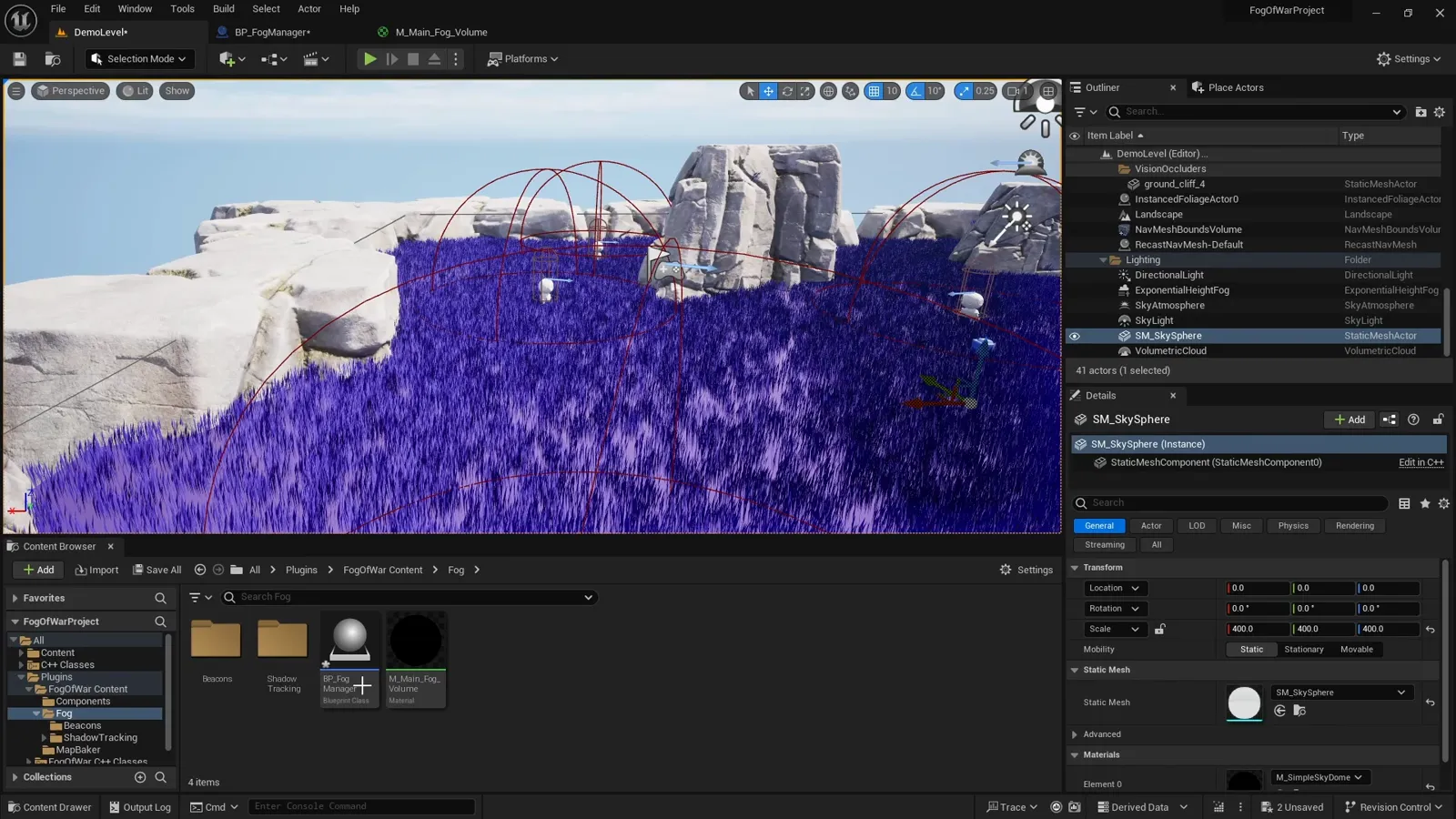
Fog of War Actors and Components in Unreal Engine
The cast of a top-down fog of war system in Unreal Engine: the Fog Manager actor, the unbound post-process volume, the M_Main_Fog_Volume material, beacon and occluder components, the Niagara system, and the shadow scene capture, and what each one is for.
-
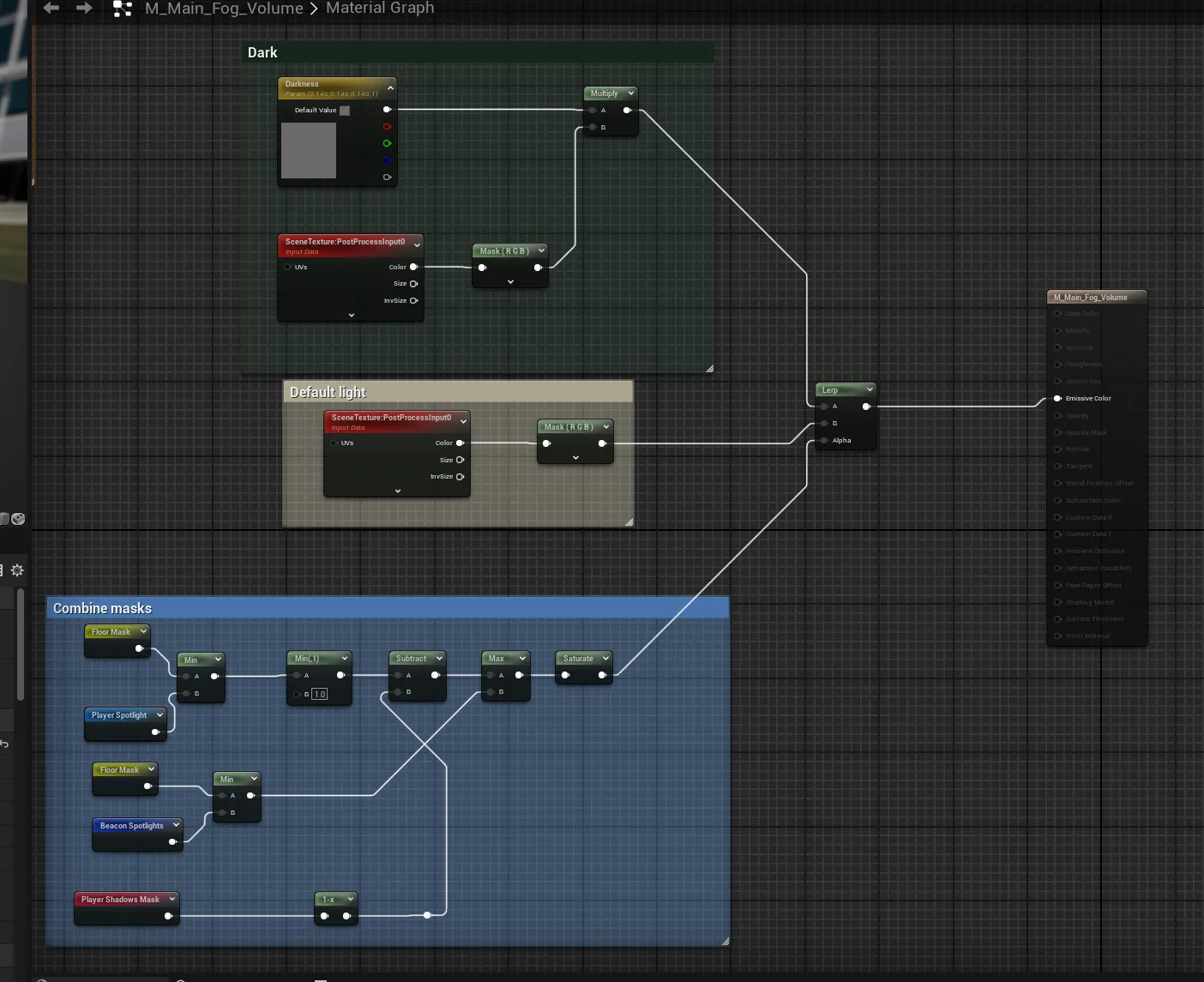
Top-Down Fog of War in Unreal Engine: How It Works
An introduction to top-down fog of war in Unreal Engine: why it is a screen-space post-process and not GPU visibility work, and the two independent layers, the local visual reveal and the server-authoritative actor hiding, this guide separates.
-
Top-Down Fog of War in Unreal Engine: Complete Guide
How to build top-down fog of war in Unreal Engine as a screen-space post-process: an unbound volume, a Fog Manager, the M_Main_Fog_Volume material, player and beacon vision, Niagara, and cliff shadows. A reproducible build in seven steps.
-
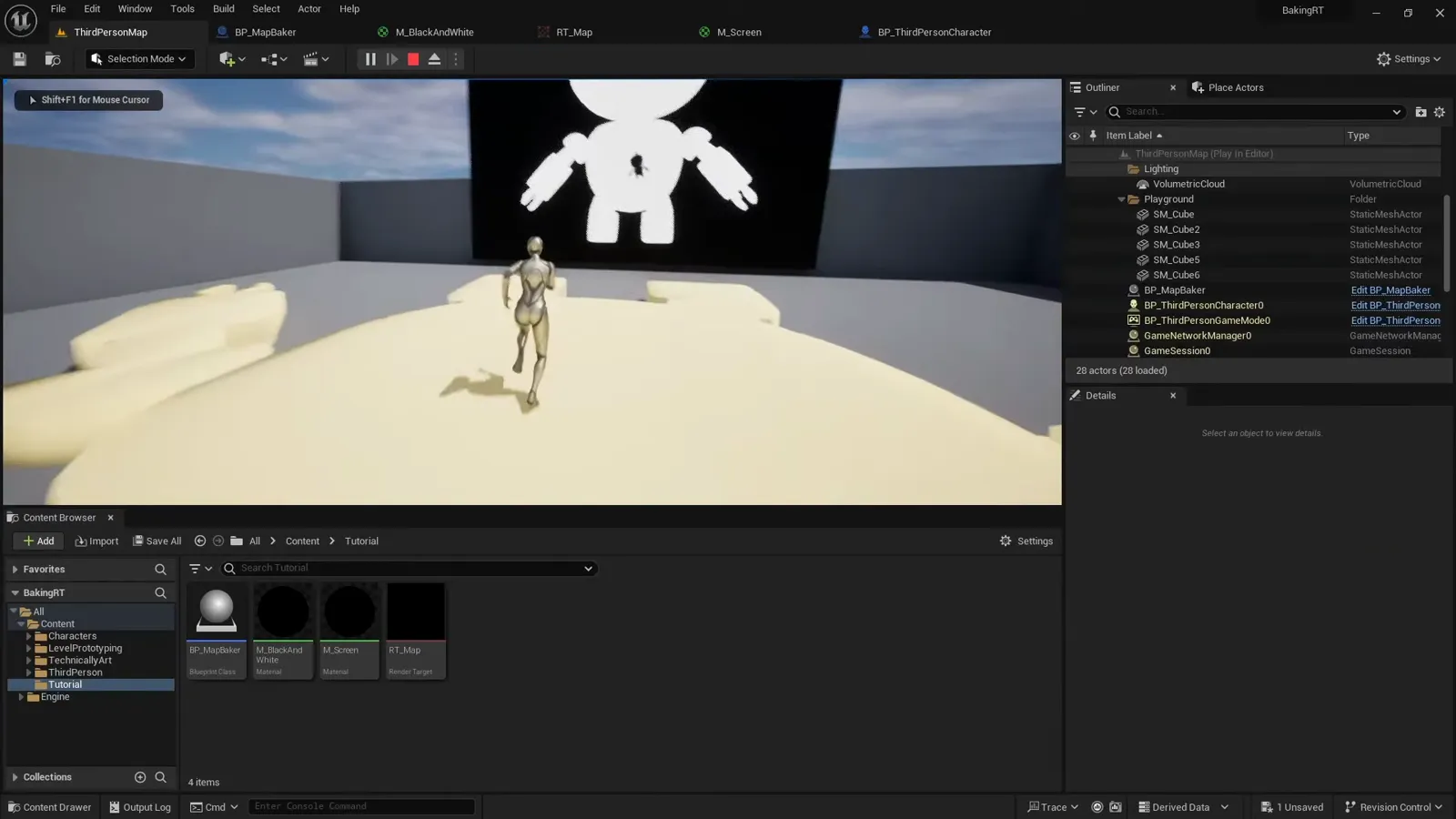
Display Player Location on a Map with Render Targets in Unreal Engine
Use a Scene Capture 2D and a render target to bake a top-down map mask in Unreal Engine, draw the live player location on it with a custom depth stencil, then export it as a static texture.