// UNREAL ENGINE PLUGIN
AI Node Code Editor: AI C++ Coding Inside Unreal Engine
Write and edit node logic with an in-editor AI assistant.
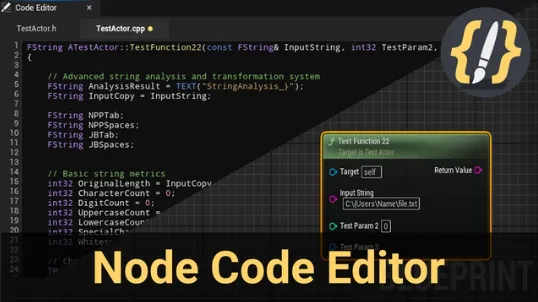
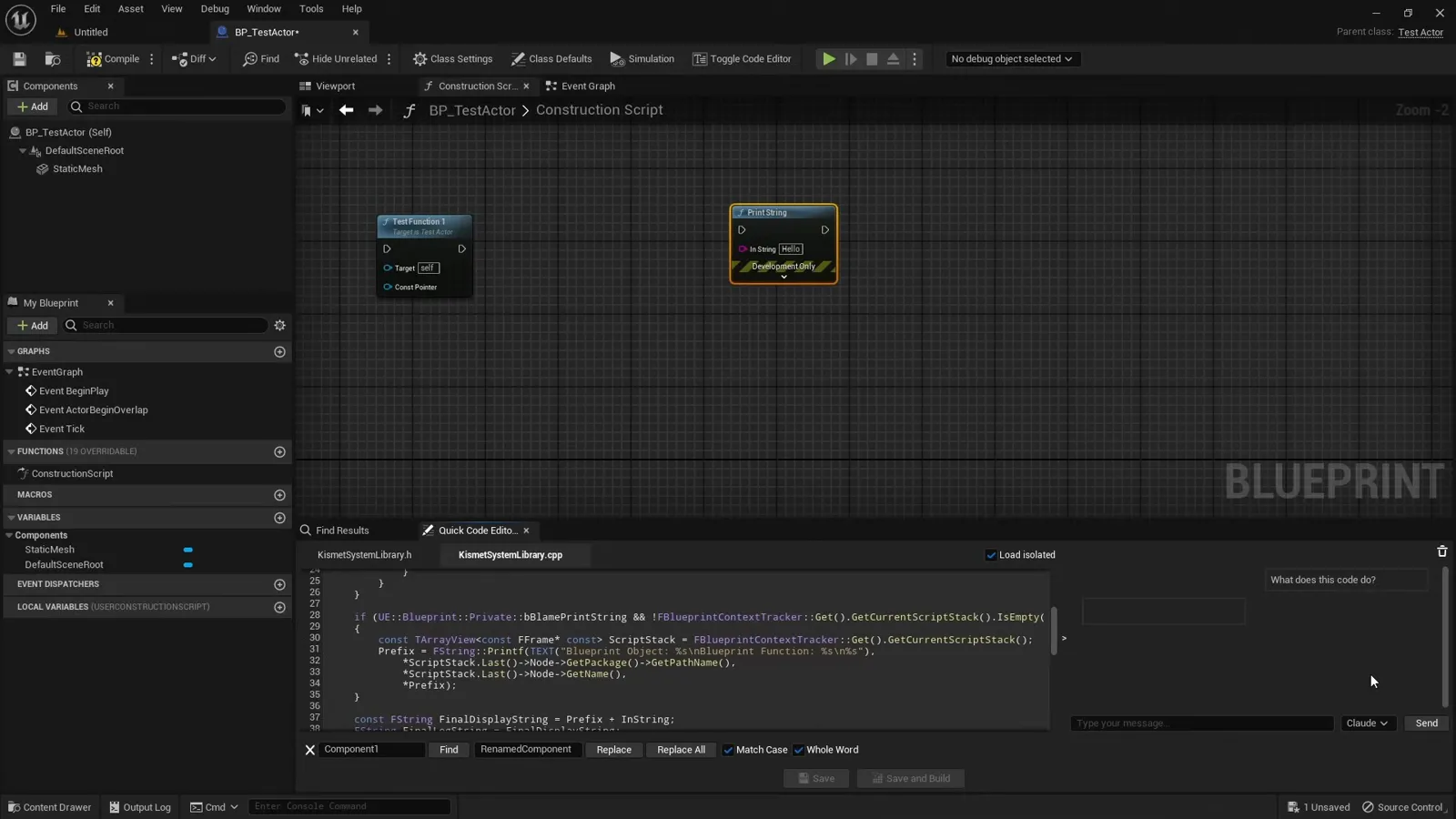
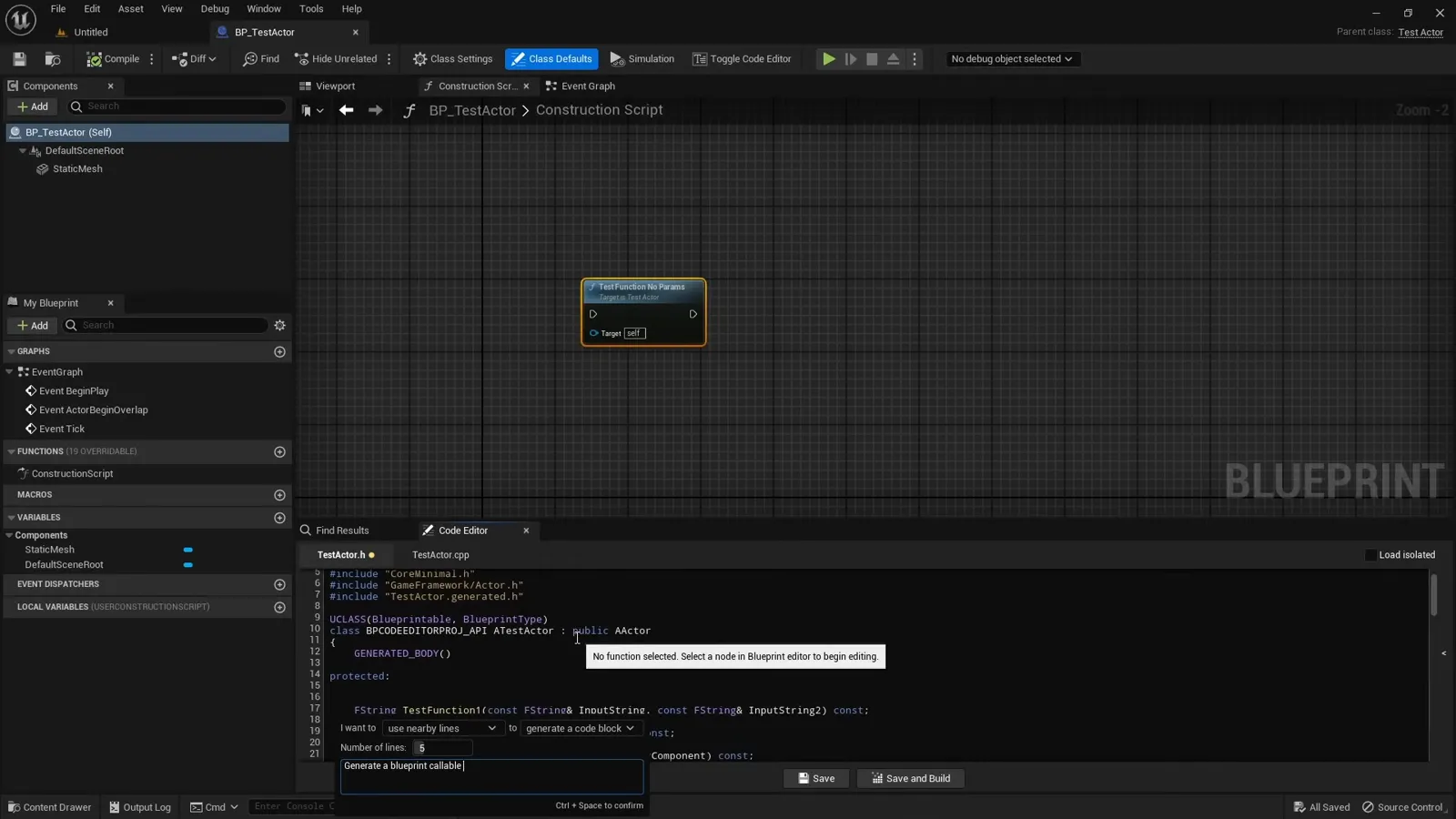
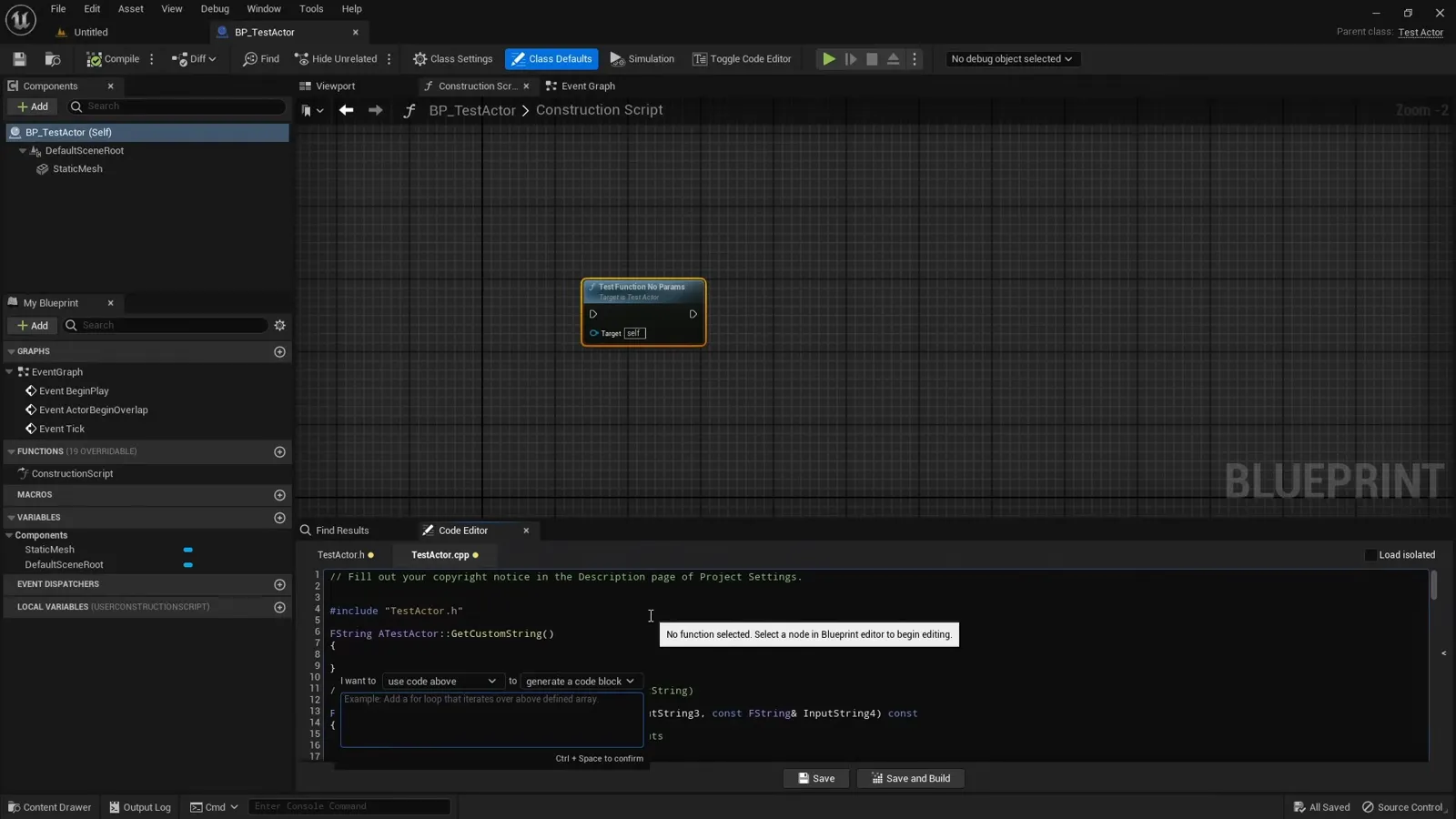
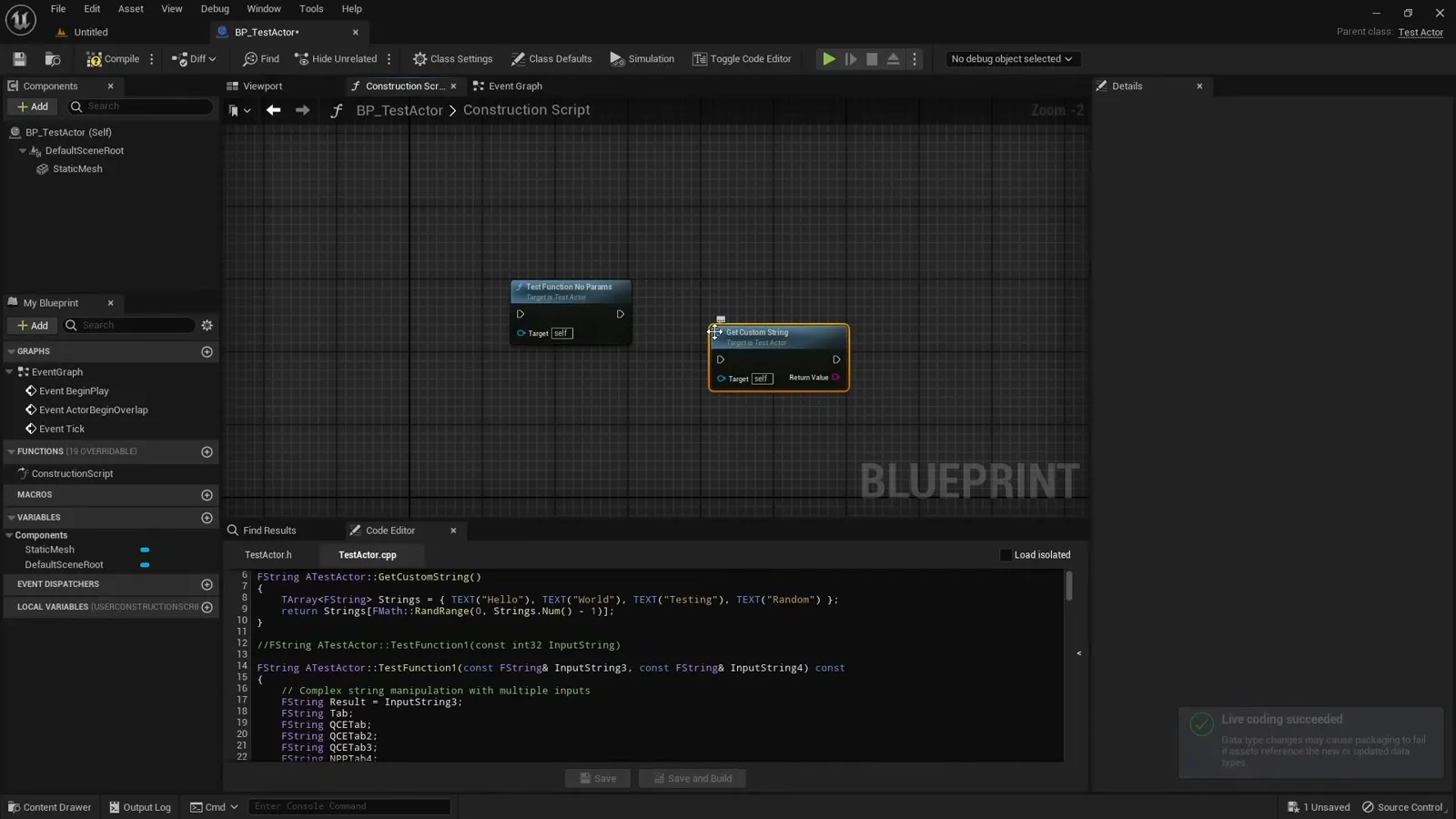
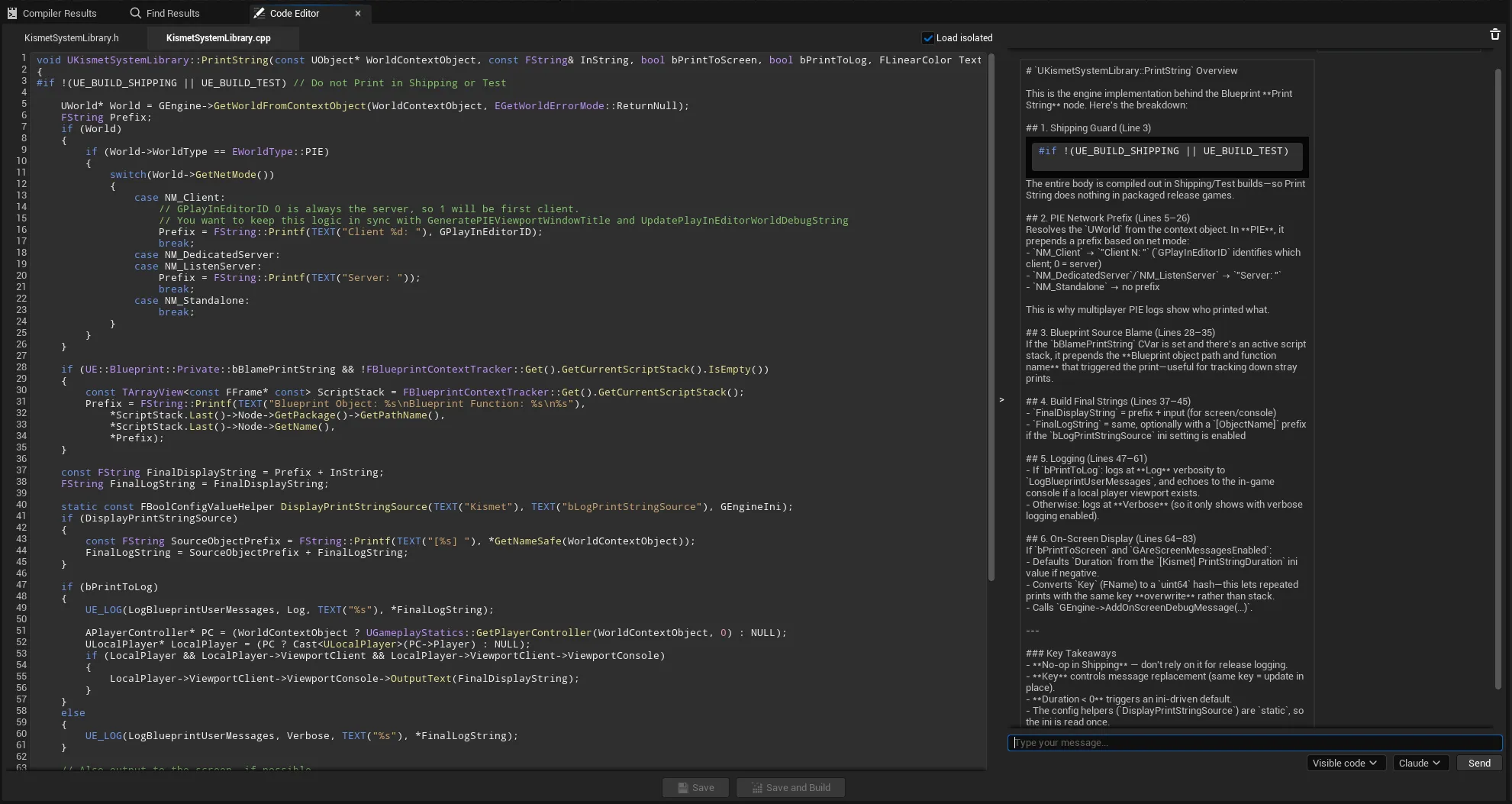
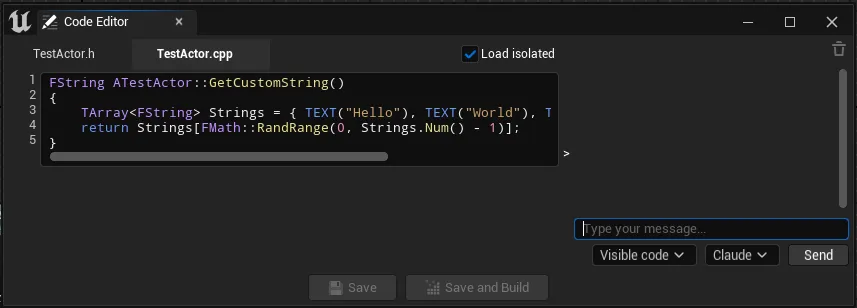
The AI Node Code Editor (shipped on FAB as Quick Code Editor) adds a lightweight C++ code editor inside the Blueprint editor. Select a C++ function node and its declaration and implementation load into a docked panel where you can read, edit, autocomplete, ask an AI assistant, save, and build, all without leaving Unreal. The assistant works with both Claude (Anthropic) and ChatGPT (OpenAI), so you can bring your own provider and API key. It is meant to complement your IDE for quick reads and small edits next to the graph that calls the function.
What it does
- Node-aware loading: pick a C++ function node and its declaration and definition load automatically.
- Dual panes for the declaration (.h) and implementation (.cpp).
- AI assistant backed by Claude or ChatGPT that can explain, optimize, or expand a function.
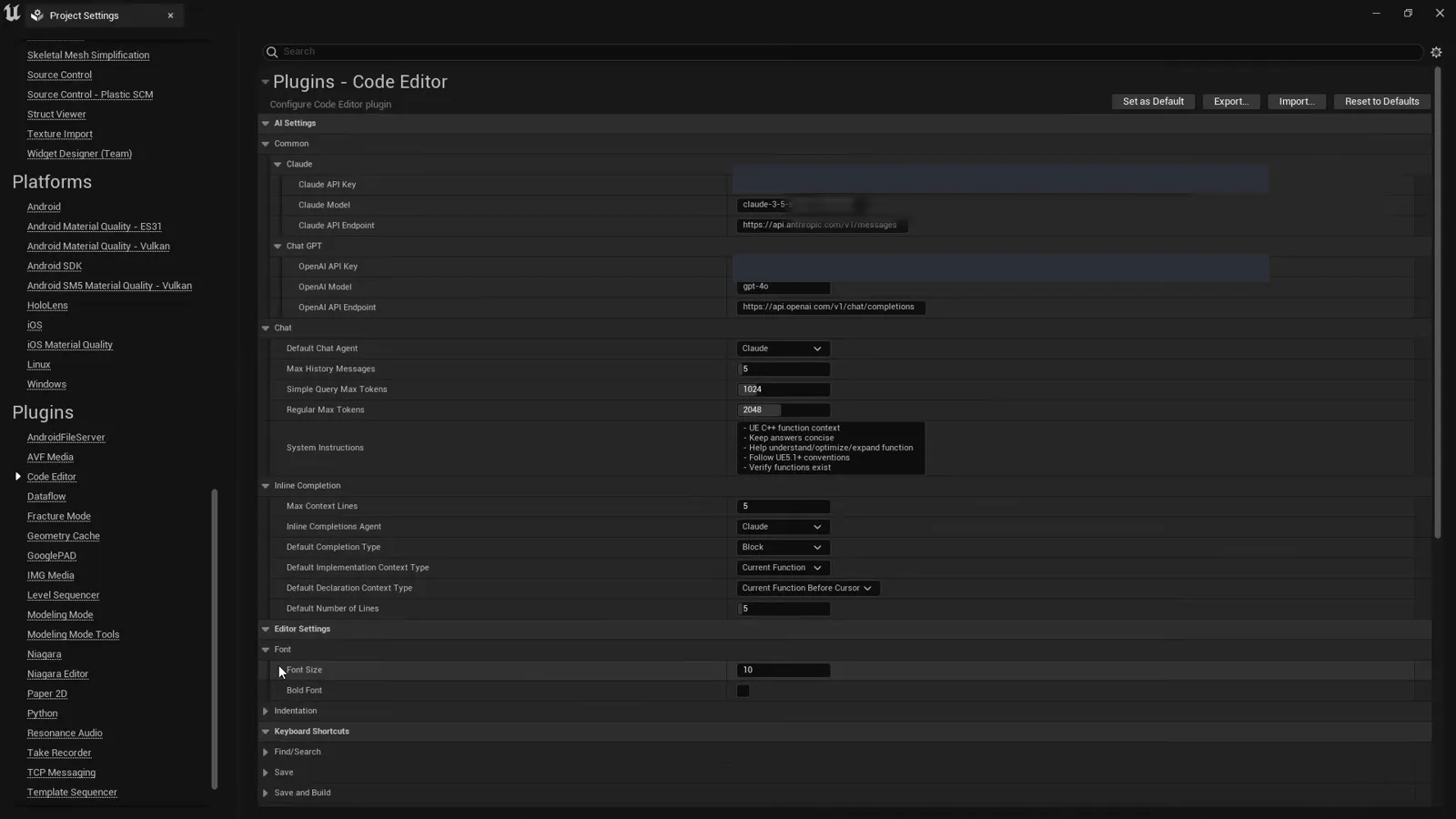
- Bring your own Anthropic or OpenAI API key and pick the default model.
- AI inline completions and a member, keyword, and reflected-symbol autocomplete dropdown.
- Context controls (visible code, selection, or a line window) keep token usage efficient.
- Generate Definition stubs an implementation straight from a declaration.
- Save and Build triggers a Live Coding compile from the panel.
See it in action

Screenshots
Frequently asked questions
- Which AI providers does it support?
- Both Claude (Anthropic) and ChatGPT (OpenAI). You bring your own API key and choose the default model.
- What does it do inside Unreal Engine?
- Select a C++ function node in the Blueprint editor and its declaration (.h) and implementation (.cpp) load into a docked panel where you can read, edit, autocomplete, ask the AI, save, and trigger a Live Coding build, without leaving Unreal.
- Is it a replacement for my IDE?
- No. It is meant to complement your IDE for quick reads and small edits next to the graph that calls the function, not replace a full IDE.
- What is it called on FAB?
- It ships on FAB as Quick Code Editor.
Tutorials & guides
-
Parsing C++ Functions Without a Compiler: Declarations, Definitions, Stubs
How an Unreal editor locates a function's declaration in a header and its definition in a cpp with no AST: a filter pipeline that narrows candidates to exactly one, bracket matching that ignores strings and comments, overload disambiguation by parameter matching, and generating a definition stub from a declaration.
-
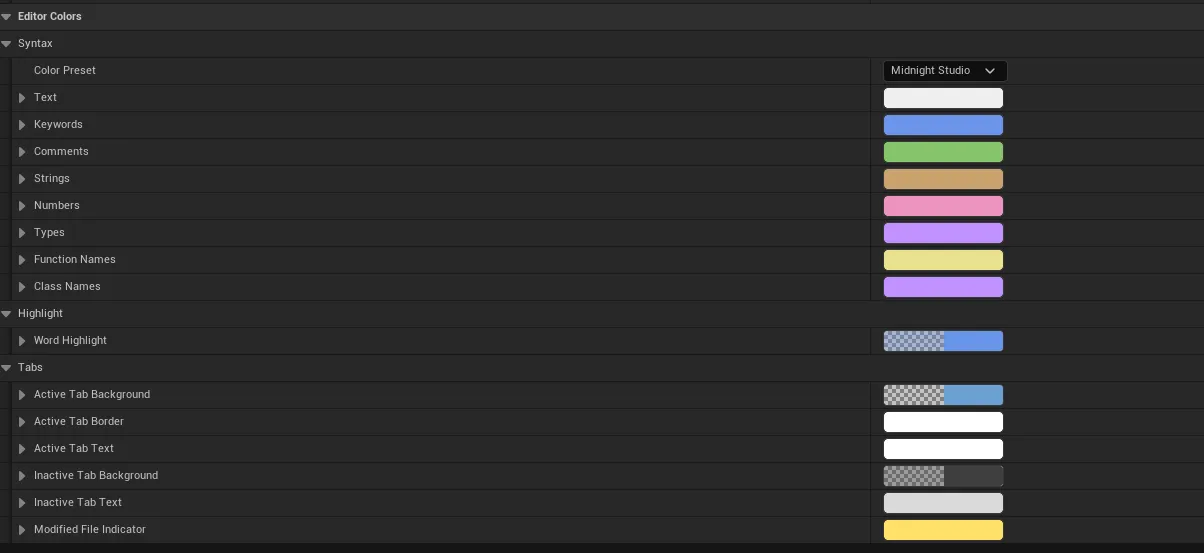
C++ Syntax Highlighting in a Slate Text Editor
How to syntax-highlight C++ inside Unreal's Slate text framework: a two-state tokenizer feeding a marshaller that recovers semantic colors, the look-ahead heuristic that tells a class from a function call without a parser, color presets, and highlighting every occurrence of the word under the cursor.
-
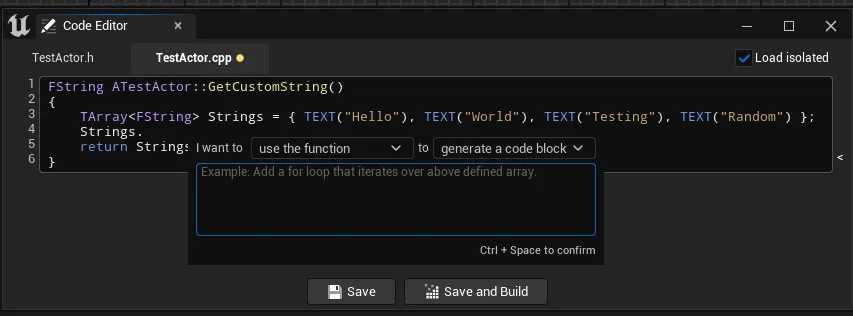
Code Completion in an Unreal Editor: Dictionary, Reflection and LLM Context
Two completion systems compared: an instant offline dropdown backed by a trie and Unreal's reflection system, and an LLM inline suggestion. The focus is the token-economy context ladder, current line, nearby lines, code above the cursor, the whole function, and why you never send the whole class.
-
Integrating Claude and ChatGPT Into an Unreal Engine Plugin
A code-heavy walkthrough of wiring an LLM into the Unreal editor: one provider-agnostic HTTP client for both Claude and ChatGPT, the strategy and factory pattern, building and parsing JSON with FJsonSerializer, async requests with FHttpModule, marshalling back to the game thread, and bounding conversation history to control tokens.
-
Building Slate UI and Project Settings for an Unreal Plugin
How a plugin panel is composed in Slate (SCompoundWidget, SNew vs SAssignNew, splitters, reactive _Lambda attributes) and how its options are exposed in Project Settings with a config UObject registered through ISettingsModule, with live updates via PostEditChangeProperty.
-
Adding Toolbar Buttons, Tabs and Menus to the Unreal Editor
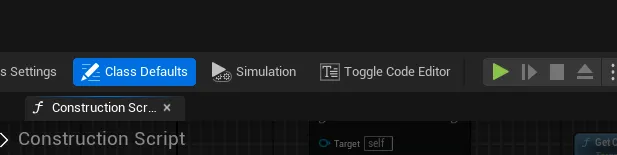
How an editor plugin hooks into Unreal: declaring keyboard commands with TCommands and UI_COMMAND, docking a panel into the Blueprint editor with a workflow tab factory and FLayoutExtender, adding a toolbar button via FExtender, and building a right-click menu with FMenuBuilder.
-
How to Use Claude or ChatGPT to Write C++ in Unreal Engine
A practical guide to using an AI assistant like Claude or ChatGPT for Unreal Engine C++: what context to give it, prompts that work, the reflection-macro gotchas, and how to iterate fast.
-
Edit C++ With AI Inside Unreal Engine (Claude or ChatGPT)
Read, edit and generate the C++ behind a node without leaving Unreal Engine, with a Claude or ChatGPT assistant docked beside your Blueprint graph. Plus a six-part deep dive into how the editor is built: tabs, Slate UI, AI integration, completion, syntax highlighting and C++ parsing.