Resource Gathering AI in Unreal Engine: Complete Guide
How to build autonomous worker AI in Unreal Engine that finds, harvests, and hauls resources: three components, an assignment data asset, a Behavior Tree gather loop, and a server-authoritative ownership spine. A seven-part guide, from architecture to the drop-off pile.

Most strategy, survival, and base-building games run on the same quiet loop: a worker walks out, harvests something, carries it home, and goes back for more. The video above is the end-to-end setup walkthrough; this guide takes the system apart and explains each piece in its own page, so you can read the part you need or work through the whole build. By the end you have an AI character that takes a “gather wood” order, finds the nearest tree, extracts it over time, hauls the log home on its shoulder, drops it on a neat pile, and repeats, the same in single player as over the network.
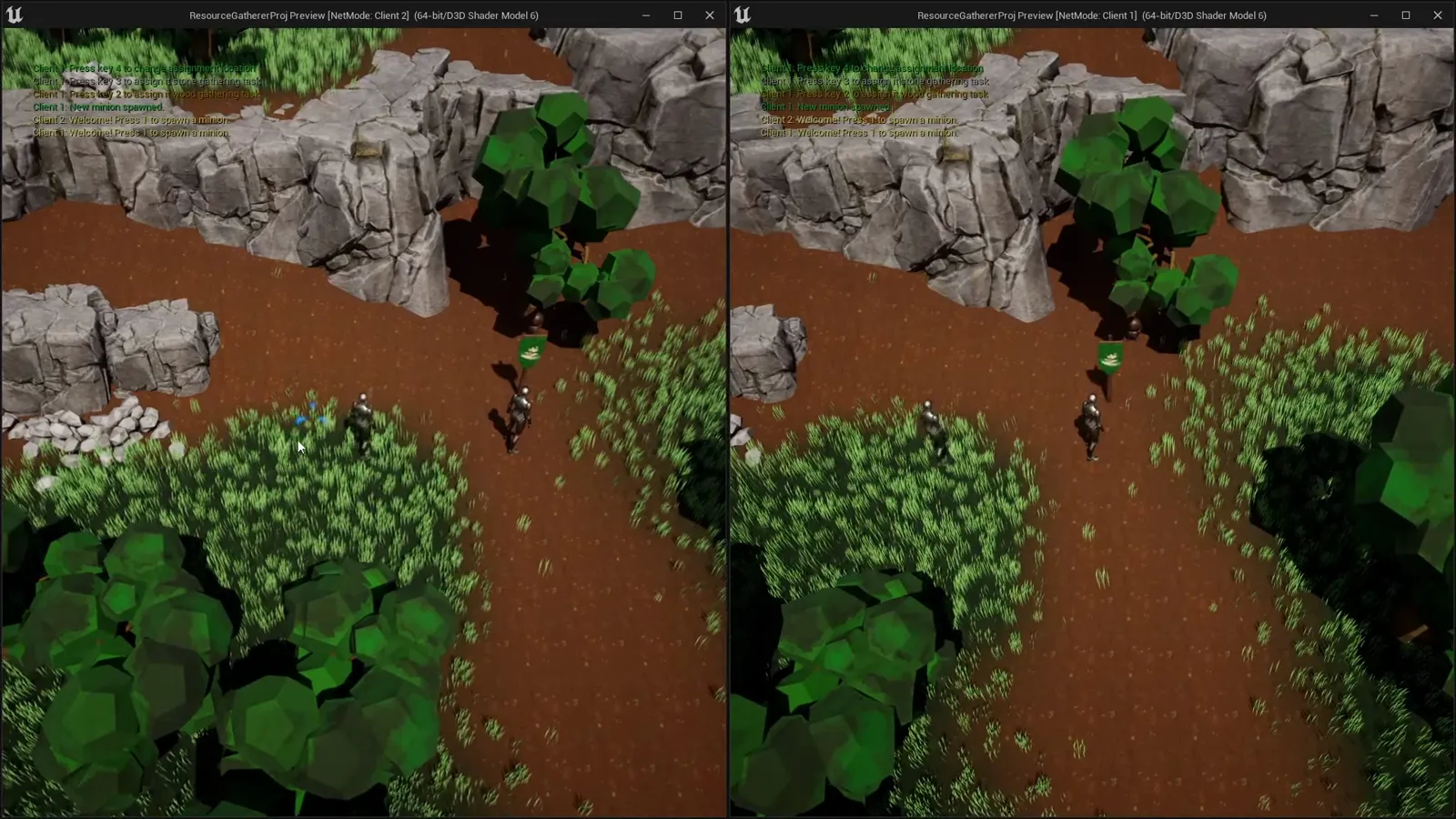
How the system fits together
A player issues an order, the worker finds the nearest matching resource, walks to it, extracts it over time, a carryable item spawns in its hands, it walks home, drops the item on a growing pile, and repeats. That loop is three components plus one data asset, sequenced by a Behavior Tree:
- Gatherer component on the worker runs the loop: begin, find, extract, carry, drop.
- Resource component on a tree or rock marks it harvestable and times its extraction.
- Extracted Resource component rides the carried item home and handles the drop.
- Assignment Definitions data asset maps an order tag to its resource, carried actor, and Behavior Tree.
The components expose a Blueprint-callable API; the Behavior Tree calls it in order. The whole thing runs server-authoritative, so the visual result is identical offline and in multiplayer, on one condition: the worker must be spawned and owned by the player.
What you need
This is intermediate Unreal Engine: comfort reading a Behavior Tree, a little C++, and a grasp of actor ownership and replication. It targets UE5 with no third-party dependencies, and every component is Blueprint-spawnable, so the setup itself is done in Blueprint. If you would rather drop the system in than build it, the Resource Gathering Minions plugin packages the whole thing, replicated and multiplayer-ready, with a demo project and full documentation.
The build, part by part
Start with the architecture for the map, then read the pieces in order, or jump straight to whichever one you need.
Frequently asked questions
- Does this work in multiplayer?
- Yes, and it is built that way from the ground up. Beginning an assignment is a server RPC, so the minion must be owned by the player's controller; the gather loop, extraction, and the carried resource all run server-side and replicate to clients.
- Why does my minion never reach the resource?
- Almost always navigation. Confirm the map has a NavMesh (press P to see it turn green) and turn off Can Ever Affect Navigation on the resource's static mesh, otherwise the NavMesh is carved out around the resource and the path stops short of it.
- Why does extraction get stuck or spawn nothing?
- Two common causes the walkthrough hits: the resource actor needs replication enabled, and the assignment needs an Extracted Resource Actor Class set so there is something to spawn and carry when extraction finishes. The Output Log calls out both.
- How do I add a second resource type, like stone?
- Add another entry to the assignment data asset with its own assignment and resource tags, its own carried actor, and a Behavior Tree, then tag your stone actors with the matching resource tag. Nothing is hard-coded to wood, so jobs are just tag pairs.
- How do I change how much a resource yields or how long it takes?
- On the Resource Component, set the number of extractions before the resource is used up and the extraction time per harvest (the plugin defaults to three extractions at four seconds each).
- Do I need C++ to use it?
- No. Every component is Blueprint-spawnable and Blueprint-callable, so the whole setup is done in Blueprint. The plugin ships with C++ source if you want to extend it, and a separate video covers that implementation.